Your high-speed blender’s overheating problem isn’t random. It’s usually telling you something’s wrong, whether that’s clogged vents choking off airflow, dull blades grinding harder than they should, or you’re just asking it to do too much at once. The good news? Most causes are fixable. The question is figuring out which one’s actually causing your machine to turn into a mini volcano.
Key Takeaways
- Clogged motor vents restrict airflow, preventing heat dissipation and causing rapid temperature buildup during blending.
- Continuous blending without rest periods exceeds duty cycles, generating friction heat that damages internal components.
- Dull or damaged blades increase resistance and friction, transferring excessive heat directly into the motor.
- Overstuffing the pitcher beyond capacity forces the motor to work overtime, exponentially raising heat generation.
- Worn bearings and internal mechanical damage create additional friction that produces abnormal heat during normal operation.
Clogged Motor Vents and Air Circulation Problems
One of the sneakiest culprits behind a blender that’s working harder than it should is when dust and debris build up around the motor vents, basically choking off the air your blender desperately needs to stay cool. Think of it like trying to breathe through a coffee filter, right? Your blender’s fan obstruction problem gets worse over time as particles accumulate. Regular ventilation maintenance is absolutely key here. You’ll want to check those vents every couple weeks, especially if you use your blender daily. A soft brush or slightly damp cloth works great for cleaning. Don’t let gunk compromise your machine’s performance. Keep those air passages clear and your blender will thank you by staying cooler and running smoother. Also, remember that higher wattage blenders generate more heat during heavy use, making clean vents and proper airflow even more important for preventing overheating.
Dull or Damaged Blades Creating Excess Friction
When your blades get dull or start chipping away, they’ve gotta work way harder to slice through whatever you’re blending, and that extra effort creates friction that heats things up fast. You’ll notice the signs pretty quick, too, like your blender struggling more than usual, taking longer to blend, or even making weird grinding sounds that weren’t there before. Once you spot these red flags, it’s time to think about swapping those blades out, because running them into the ground won’t do your motor any favors and’ll just keep cranking up that temperature. Using food-grade stainless steel blades not only resists corrosion and wear but also maintains blending efficiency, helping to prevent excess friction and overheating.
Friction Heat Generation Explained
As your blender’s blades dull over time, they’ve gotta work way harder to slice through whatever you’re throwing in there, and that extra effort generates serious heat. Think about it like this, friction heat builds up when your dull blades make more surface contact with food than they should. Sharp blades cut clean and quick. Dull ones? They’re basically grinding and dragging instead of slicing. That constant friction between the blade edges and your ingredients creates tons of unnecessary heat that’s gotta go somewhere, and usually it goes straight into your motor. The harder your blender works to compensate for those worn-down blades, the hotter everything gets. It’s like running uphill versus a flat path, your motor’s just working overtime trying to do its job. If you’re using a blender with sturdy blades and motors built for tough ingredients, you’ll notice smoother blends and less overheating compared to models with worn or low-quality blades.
Blade Wear Signs Recognition
Spotting blade wear before your blender turns into a mini furnace is way easier than you’d think, and honestly, it’s your best defense against overheating problems down the road. Dull or damaged blades create friction that’ll make your motor work overtime. Here’s what to look for:
- Blade pitting on the metal surfaces
- Edge chipping along the cutting edges
- Visible dullness instead of sharp shine
- Rough spots that catch your finger gently
- Wobbling or misalignment when spinning
When your blades aren’t sharp, they’re basically fighting the food instead of slicing through it smoothly. That resistance generates heat like crazy. If you’re noticing your blender getting hotter faster than usual, worn blades might be the culprit lurking underneath. Replace them before things get out of hand. For best results, remember that blade lifespan is typically 5–10 years with proper care, so regular inspection and timely replacement are key to preventing excess friction and overheating.
Replacement Timing and Methods
Dull blades don’t just underperform—they’re basically asking your motor to work twice as hard for half the results, and that’s where your overheating trouble starts. You’ll notice your blender struggling through simple tasks, which means friction’s building up inside. Time for blade replacement, honestly. Most manufacturers recommend swapping blades every two to three years, depending on use. If you’re blending daily, that timeline moves up. Don’t wait until your motor’s screaming at you. A fresh blade set runs pretty cheap and saves you from potentially needing a costly motor rebuild down the road. Just grab the right replacement kit for your model, follow the quick swap instructions, and you’re golden. Your blender will thank you with cooler, quieter operation. If you want your blender motor to last, it’s important to pay attention to motor power and performance just like you would with other kitchen appliances such as meat grinders.
Overloading Your Blender Beyond Capacity

When you’re stuffing your blender with way more ingredients than it’s designed to handle, you’re basically asking the motor to work overtime without a break, which creates serious thermal stress that can lead to overheating faster than you’d expect. Your blender’s got limits, and pushing past those capacity thresholds means the motor’s working so hard it can’t cool itself down properly, kind of like running a marathon in a winter coat. Stick to what the manufacturer recommends and you’ll keep your blender running smooth instead of turning it into a kitchen fire hazard.
Exceeding Motor Load Limits
Your blender’s motor has its limits, and pushing past them is one of the quickest ways to send your appliance into thermal meltdown. When you consistently overload your blender, you’re basically asking for trouble.
Here’s what happens when you exceed motor load limits:
- Grinding ice and frozen fruit simultaneously strains the motor’s torque limits
- Blending thick nut butters creates excessive friction and heat buildup
- Running multiple batches back-to-back without cooling periods exhausts the motor
- Overstuffing the pitcher increases resistance and workload exponentially
- Using your blender for tasks it wasn’t designed for risks motor burnout
Think of your blender like an athlete. Push too hard without rest, and you’re headed for injury. The motor can handle plenty, but it’s not invincible. Respect those limits, and your blender’ll keep running strong for years.
Thermal Stress From Overwork
Beyond just grinding the wrong stuff, there’s the matter of plain old overwork—and that’s where things get genuinely toasty inside your blender. When you’re constantly running your blender without breaks, you’re creating serious thermal stress on the motor. Your blender’s designed with specific duty cycles, meaning it needs downtime between uses to cool down. Ignore that, and you’re basically asking for trouble.
| Issue | Effect | Solution |
|---|---|---|
| Continuous use | Motor overheats quickly | Take 15-minute breaks |
| Ignoring duty cycles | Thermal fatigue builds up | Follow manufacturer guidelines |
| Heavy loads repeatedly | Permanent damage risk | Blend in shorter batches |
Think of it like running a marathon without stopping. Your blender needs to catch its breath just like you do. Give it proper rest periods, and you’ll keep it running smoothly for years.
Extended Blending Times Without Rest Periods
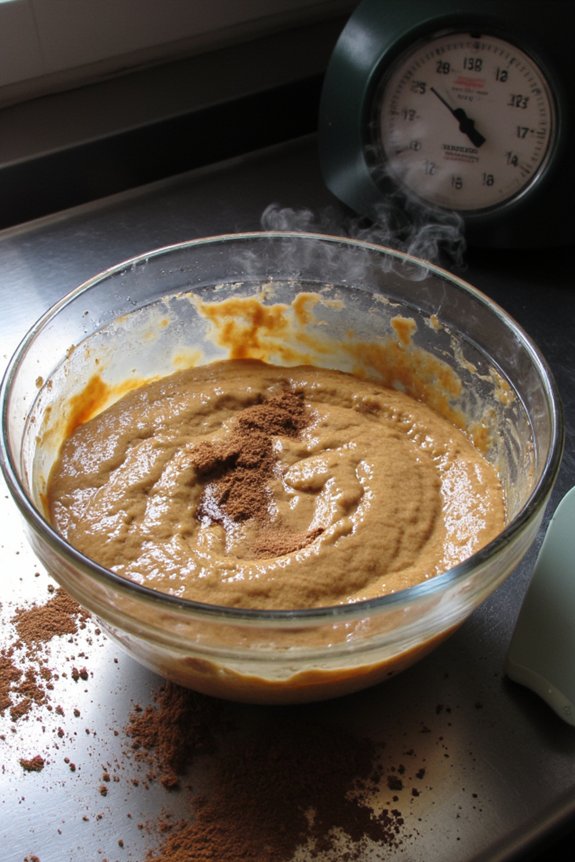
If you’ve ever hit the blend button and then walked away like you’re starting a load of laundry, that’s when trouble starts brewing. Your blender isn’t designed for marathon sessions. Here’s what happens during extended blending times without rest periods:
- Prolonged heat buildup occurs as the motor runs continuously without cooling down
- Continuous duty cycles push internal components past their comfort zone
- The friction from blending generates temperatures that can damage seals and bearings
- Your motor’s lifespan gets cut short when it never gets a breather
- Performance suffers as the machine throttles itself to prevent complete failure
Think of it like running a sprint for thirty minutes straight. Your blender needs breaks. Most models work best in 1 to 2 minute bursts with cooling time between uses. That’s not laziness, that’s smart maintenance.
Improper Blending Techniques and Ingredient Preparation
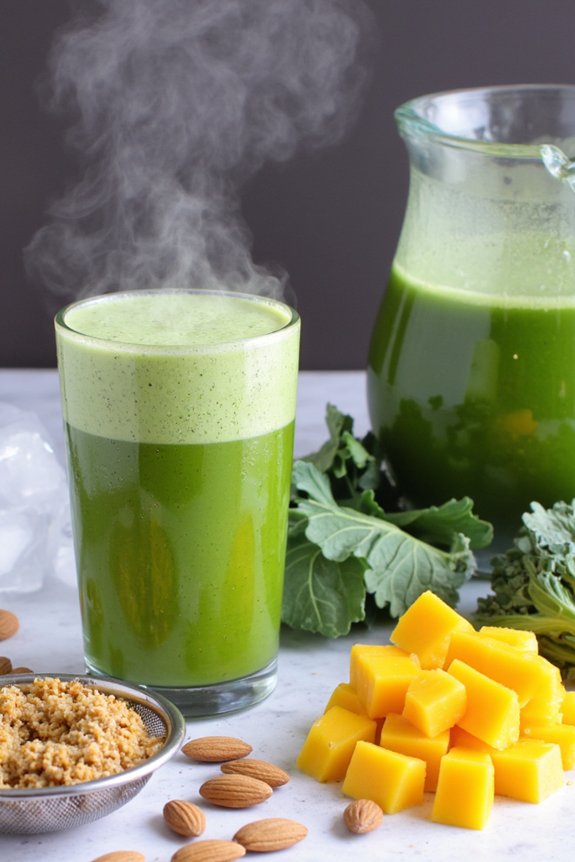
Even the best blender can’t work miracles if you’re throwing ingredients at it like you’re playing darts blindfolded. Improper loading and ingredient chunking are sneaky culprits behind overheating issues you might not realize you’re causing.
| Mistake | What Happens | Solution | Result |
|---|---|---|---|
| Overstuffing bowl | Motor works overtime | Fill to max line | Cooler operation |
| Large frozen chunks | Blade struggles | Cut into smaller pieces | Smoother blending |
| Wet and dry mixed wrong | Uneven processing | Add liquids first | Better texture |
| Wrong speed selected | Excessive strain | Start low, build up | Less heat buildup |
You’re basically asking your blender to bench-press a boulder when you don’t prep properly. Cut your frozen ingredients into smaller pieces, don’t cram everything in at once, and add liquids before solids. These simple tweaks’ll keep your machine running cool and happy.
Motor Bearing Wear and Internal Mechanical Issues
While improper blending techniques’ll definitely heat things up, there’s another culprit lurking inside your machine that you can’t see—motor bearing wear and internal mechanical issues.
Over time, your blender’s internal components take a beating. Here’s what might be happening:
- Worn bearings create friction that generates excess heat during operation
- A misaligned shaft causes the motor to work harder than it should
- Damaged gears grind together, eating up energy and producing heat
- Loose internal components rattle and create additional resistance
- Buildup of food particles clogs ventilation passages, trapping warm air
When worn bearings start failing, your motor’s gotta compensate by working overtime. That misaligned shaft? It throws everything off balance. If your blender’s getting hot even with normal use, the problem’s probably internal. You might notice unusual grinding sounds or vibrations—those’re red flags. Time to ponder getting it serviced or replaced.
Frequently Asked Questions
What Is the Ideal Ambient Temperature for Operating a High-Speed Blender Safely?
You’ll want to operate your blender in an ideal room temperature between 60-75°F for safe use. Stay within ambient limits below 85°F to prevent overheating and make certain your blender functions at peak performance without motor strain.
Does Blender Warranty Coverage Include Overheating Damage From Normal Use?
Most warranties don’t cover overheating damage from normal use due to warranty exclusions. You’ll need to review your specific claim process and documentation to confirm coverage details and understand what’s excluded.
How Often Should I Replace My Blender’s Thermal Protection Components?
You’ll typically replace your blender’s thermal protection components every 3-5 years, depending on usage frequency and manufacturer specifications. Check your manual for exact replace intervals since component lifespan varies by model.
Can Using Ice Cubes Regularly Contribute to Premature Blender Overheating?
Yes, you’re increasing strain on your motor. Regular ice crushing causes blade dulling effects, forcing your blender to work harder. This ice crushing wear generates excess heat, contributing to premature overheating and potential motor damage.
What Liquid Types Are Safest for Preventing Motor Overheating During Blending?
You’ll find water blends are safest for preventing motor overheating since they’re cool and reduce friction. Avoid oil emulsions, which generate excessive heat and strain your motor during blending operations.
Conclusion
So there you have it—your blender’s overheating ’cause it’s basically crying for help. Whether it’s clogged vents, dull blades, or you’re treating it like a cement mixer, the fix is usually pretty straightforward. Give it breathing room, let it rest between batches, and prep your ingredients like you actually care about your kitchen appliance’s wellbeing. Your blender’ll thank you by, you know, not turning into a fire hazard.